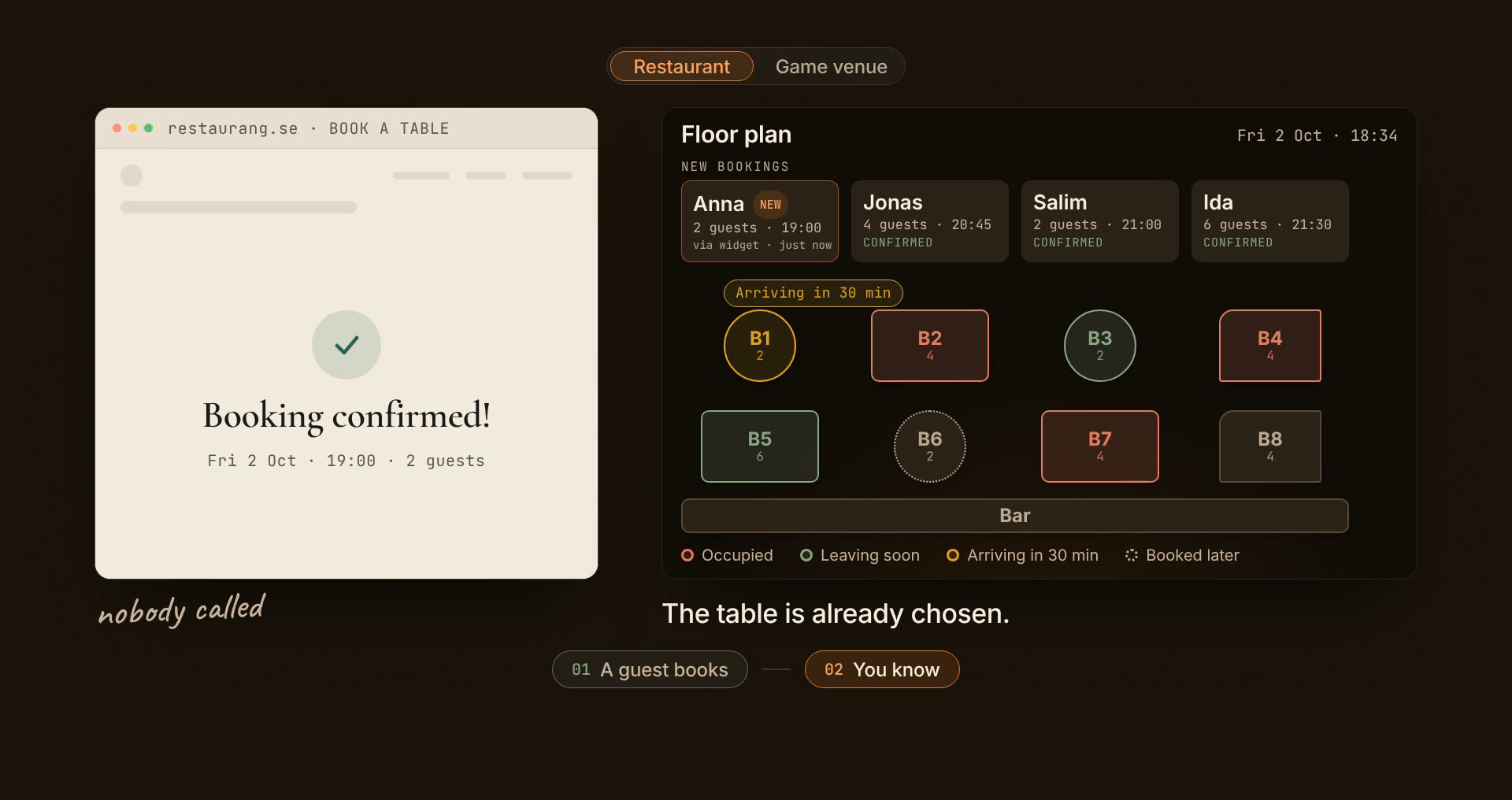
These are the questions we hear most. Yours not here? Send an email. We'll reply.
01
How does the Taster plan work? Is it really free?
+
Yes, with no time limit. The Taster is our free plan: 30 bookings a month and 1 zone, with the booking widget, confirmation emails and the evening's service view. Every account starts here, and the first 30 days include the Pro features too, so you get to try everything. After day 30 you carry on free unless you pick a plan yourself. No card, no lock-in.
02
What do I get on Standard that isn't on Taster?
+
More capacity and a page of your own. Unlimited bookings (vs 30 a month), 3 zones (vs 1), five staff accounts (vs two) and your own page on bordflow.com with menu and booking, for those without a website. 395 kr a month, no lock-in. You upgrade in the app the day you outgrow Taster.
03
What do I get on Pro that isn't on Standard?
+
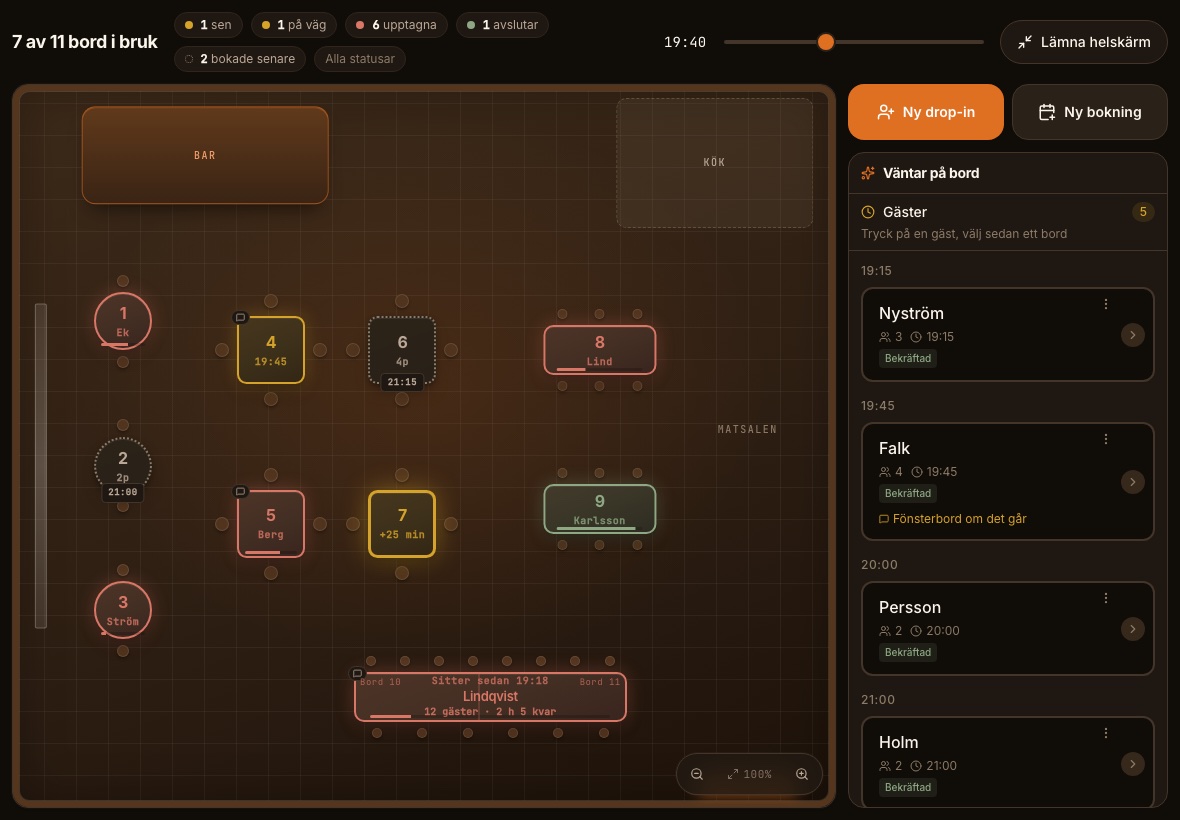
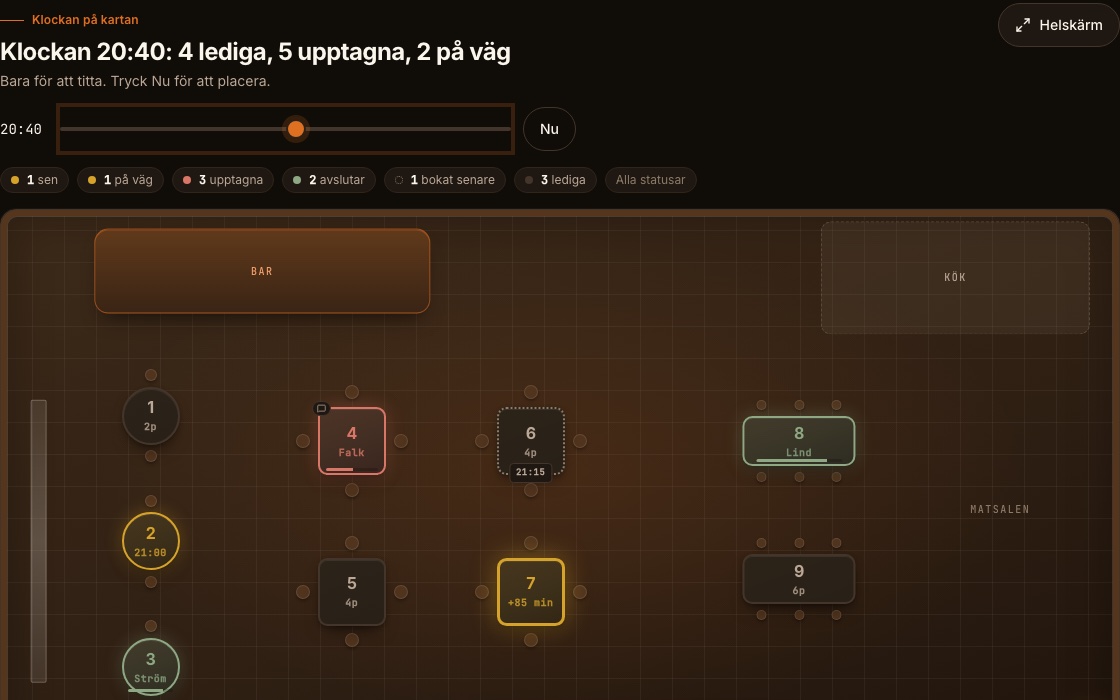
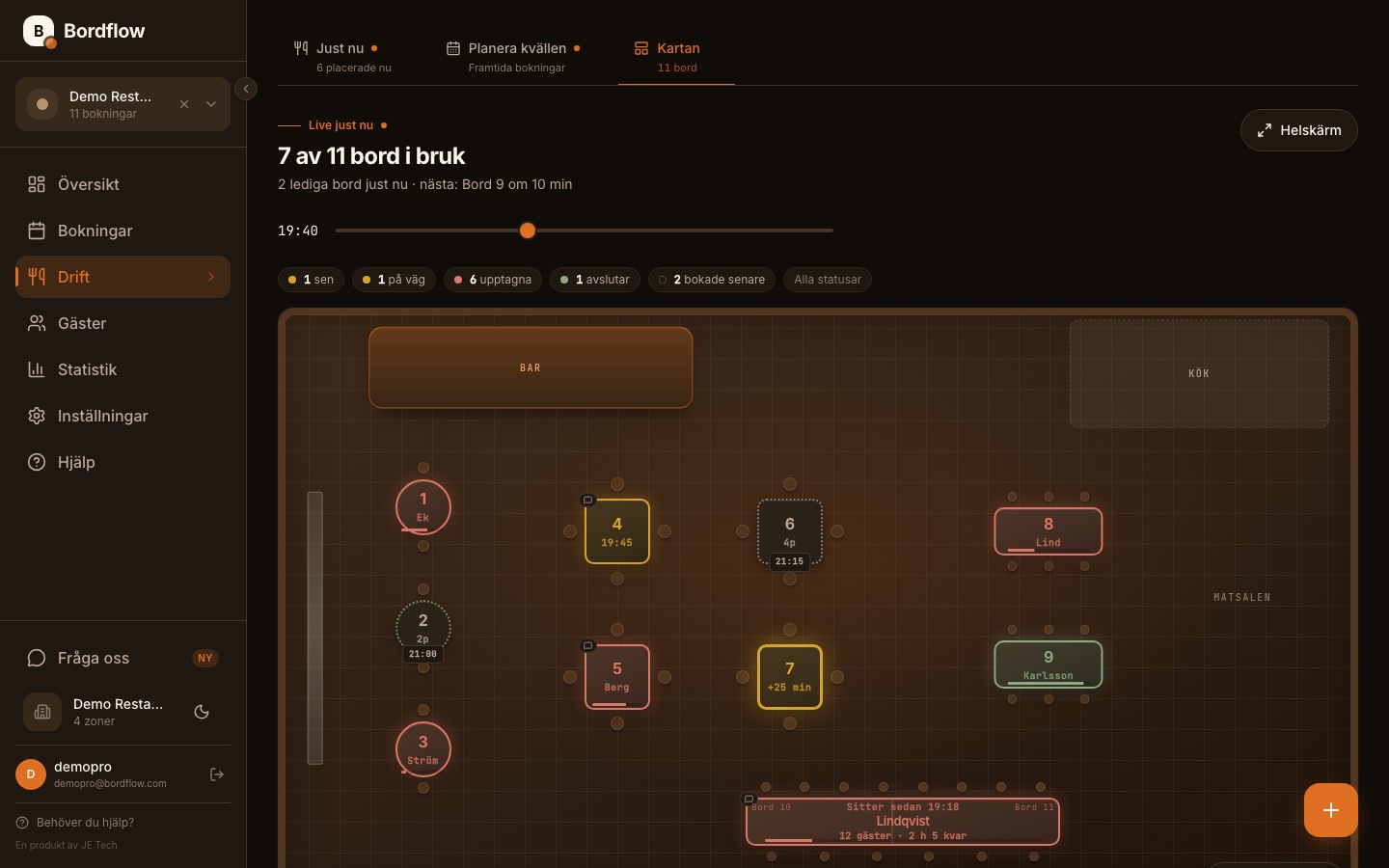
What helps you recognise your guests and see how the evenings go: a guest register with history and allergies, statistics on how the week went and how many did not show, SMS reminders that ask the guest if they are coming (300 a month), a floor plan of the room, your own colour and logo on the widget, and automatic Google review requests after the visit. Unlimited zones. 695 kr a month.
04
Can the price go up once I'm a customer?
+
No. The price you start paying is the price you pay for as long as you are a customer. 395 kr for Standard and 695 kr for Pro is the founder price for the first 5 paying venues. After that it is 495 and 795 kr a month, but not for you.
05
We're opening soon, switching systems or seasonal. What applies to us?
+
If you're opening soon, Pro is free until opening day and for 90 days after. If you're switching, Pro is free until your current contract ends, up to 6 months, and we move your bookings and guests for you. If you're closed part of the year you pay 59 kr a month for that time.
See what applies to you.
06
Are there any contracts or setup fees?
+
No. No lock-in, no onboarding fee, no notice period. You pay monthly and can cancel at any time directly from the app.
07
Does the booking widget work on my website?
+
Yes. You copy a short snippet from the app and paste it where the booking should appear, in WordPress, Squarespace, Wix, Webflow or a site of your own. It loads in the background, so the rest of the page never waits for it. No website? Turn on your own page on bordflow.com instead, with menu and booking. It comes with Standard.
08
Does the guest need an app or an account?
+
No. The guest picks the day, time and party size right on your website and types their name and number. If they leave an email they get a confirmation with a calendar invite, and before the visit a reminder that asks if they are coming. On Pro it goes as a text message.
09
Do we need a computer?
+
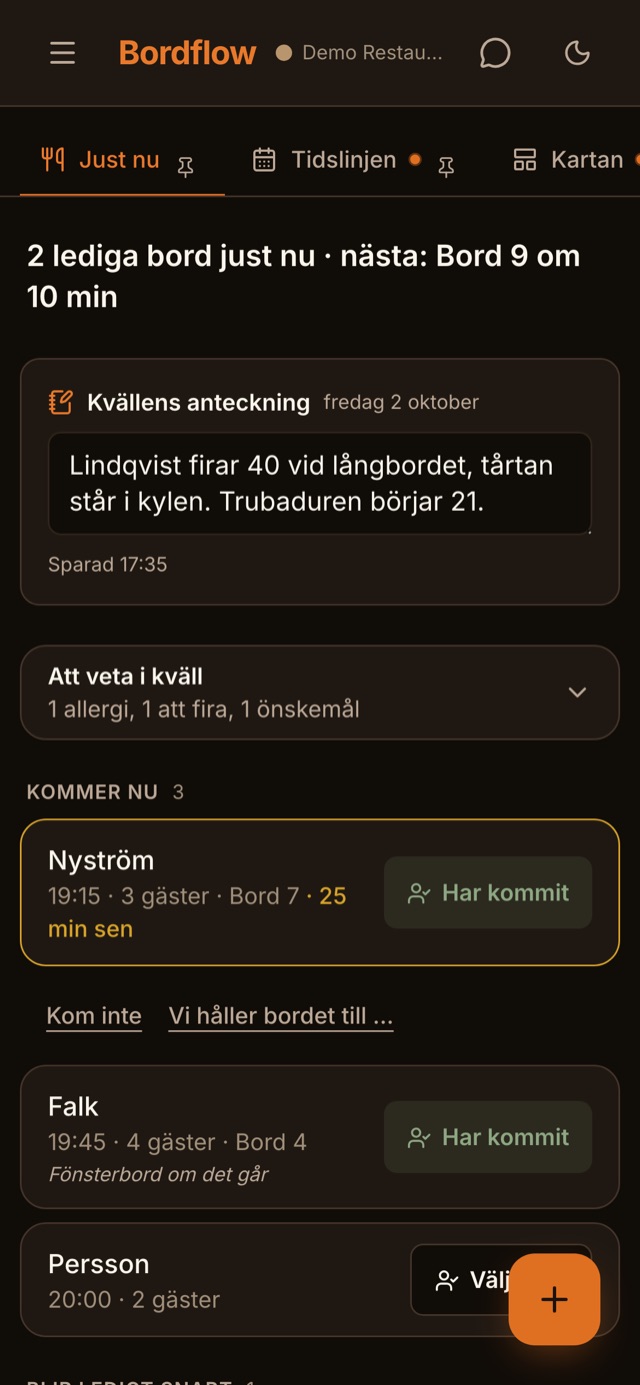
No. Bordflow runs in the browser on your phone, a tablet and a computer, with no app to download. Bookings, Right now and your guests work just as well from the phone. The floor plan, drawing up your room, is easiest to do once on a tablet or a computer.
10
Is the app available in English?
+
Yes. Each member of staff picks the language for their own account under My account, so an English-speaking server works in English while the rest use Swedish. Guests book in the language you choose for the widget, and the confirmation, reminders and the guest's pages follow it. Included in every plan.
11
How do we get fewer no-shows?
+
A couple of hours before the visit the guest gets a reminder that asks if they are coming, with a link to say yes, change or cancel. The one who hesitates cancels instead of not showing up, the table goes on to the waitlist, and you see who has answered. On Pro the reminder goes as a text message, 300 a month. If you also want a card as a guarantee for large parties, a card guarantee is ready in Pro. Tell us and we switch it on.
Read more about no-shows.
12
Does it work for darts, pool and other games?
+
Yes. You add your lanes, boards or tables and set a price per hour. Guests book a time the same way they book a table, and when someone walks in without a booking you start a drop-in right in the app.
13
Can I move my bookings from another system?
+
Yes. Send us the export file from your current system and we'll enter the bookings for you by hand. It is not something you do yourself in the app, we do it with you, and it costs nothing.
14
Does my staff need training?
+
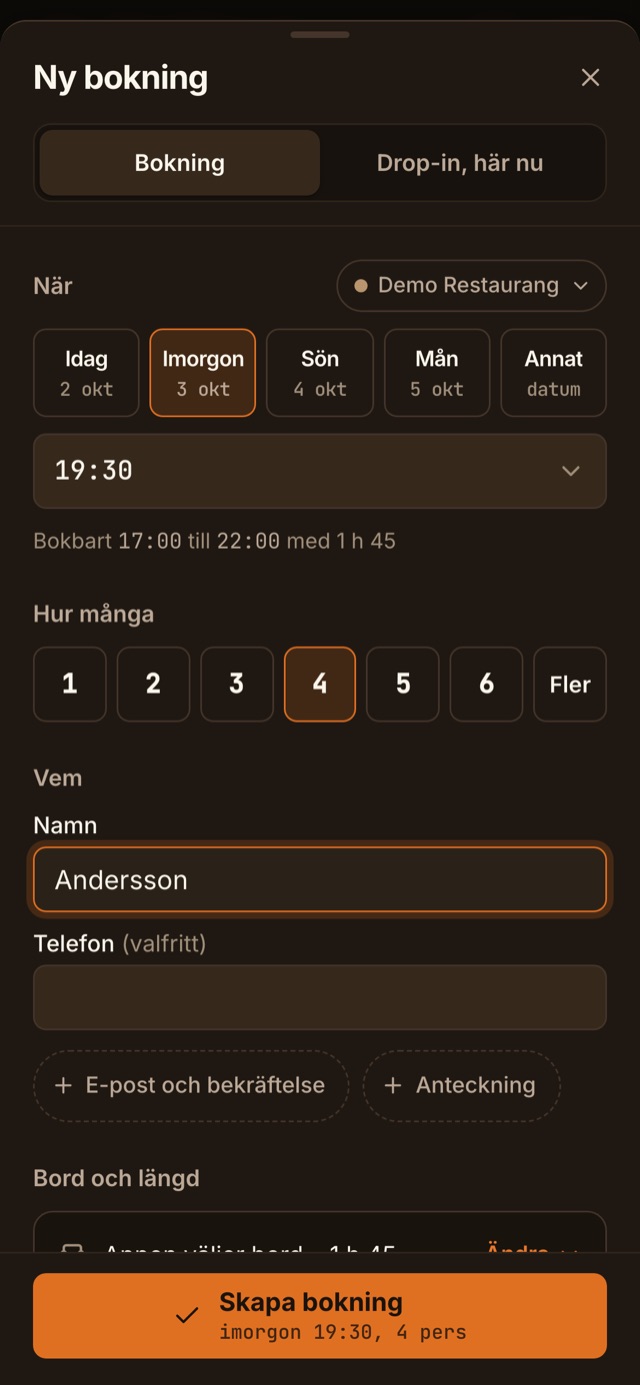
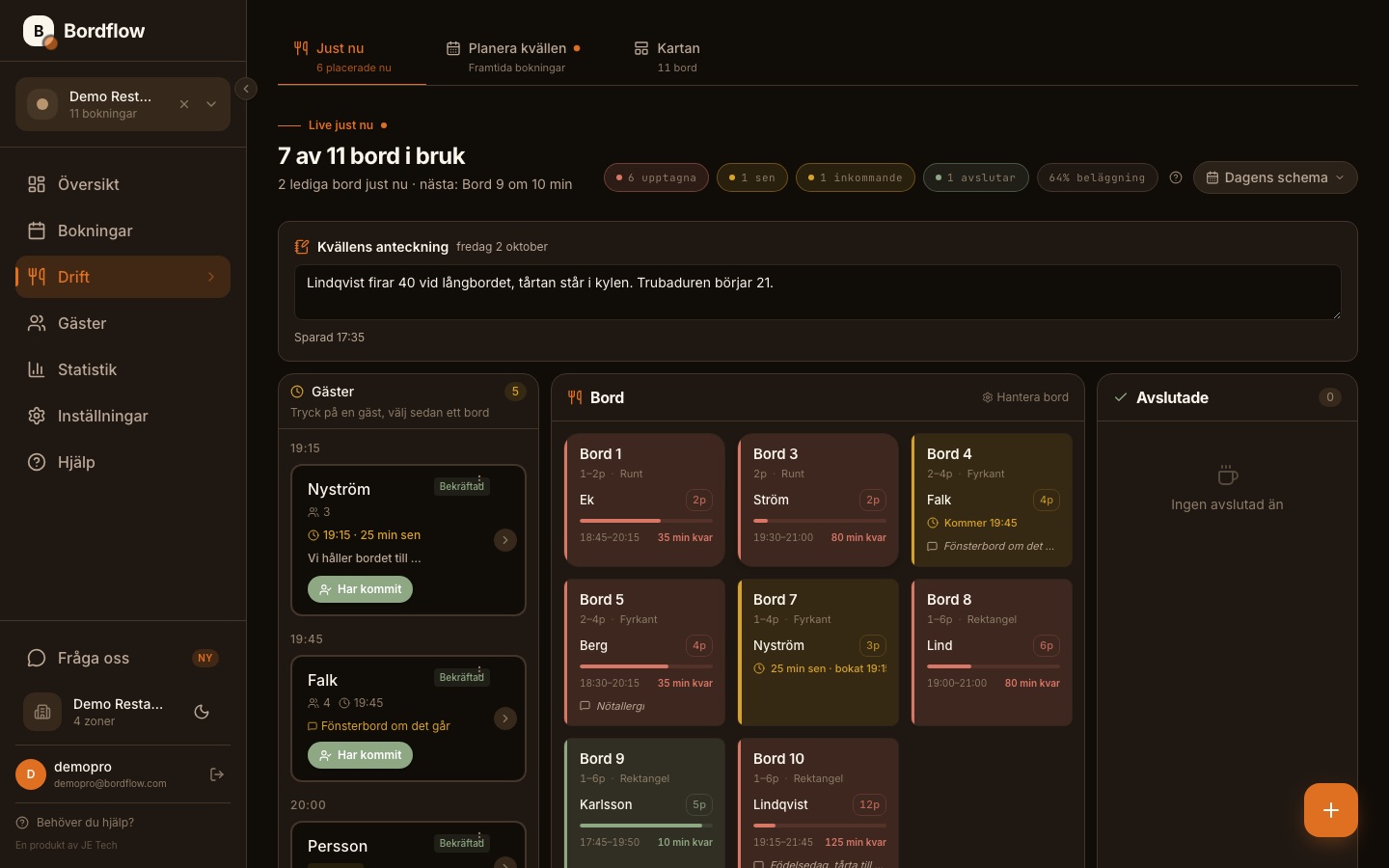
No. The whole point is that it should feel obvious from the first click. The live view, Just nu, shows the evening as it stands, and a booking from a phone call is typed on one line: name, party size, day, time. Most hosts are productive within ten minutes without instructions. There's a brief getting-started walkthrough in the app if you want it.
15
What if I run into a problem?
+
Write to
hello@bordflow.com. We reply the same business day, usually within an hour. No support queue, no chatbot.
16
Is my account safe?
+
Every time you sign in, we check that your password isn't in any known data breach. If it is, we tell you right away, so you can change it before anyone tries it. The password itself is never passed on. For one more lock, turn on two-step login: signing in then takes a code from your phone as well as the password, so a stray password is not enough to get in. Each member of staff chooses it for their own account.
17
Can someone fill my book with made-up bookings?
+
We have thought about that. The booking form has safeguards in the background that slow down bots and scripts, so the tables go to real guests. Your guests notice nothing: no box to tick and no pictures to click. What you enter yourself from the front desk always goes through.
18
Can I take my data with me if I leave?
+
Yes, the data is yours. On Pro you export the guest register yourself as a plain file whenever you like. On the other plans we send you the export, just ask.